
Cleaner workspace, smarter search: Presspage updates April-May
Working efficiently in a content platform means more than just having the right features. It means the interface stays out of your way. This round of Presspage updates focuses on exactly that: reducing friction in the Manager, making the Newsroom easier to navigate for visitors, tightening up asset permissions, and improving how Presspage articles are understood and surfaced by search engines and AI tools.
All updates:
More workspace in the Manager with a collapsible sidebar
Sticky toolbar in the Media Library for easier asset downloads
Structured data added to improve article indexing and GEO visibility
What's coming next: Presspage's strategic direction

More workspace in the Manager with a collapsible sidebar
When you're writing or reviewing content, the last thing you want is a navigation panel eating into your screen space. The left sidebar in the Presspage Manager can now be collapsed, giving you a wider, cleaner working area when you need it. Its state is also persisted across pages, so it stays collapsed or open, however you left it.
It's a small change with a noticeable impact. Less visual noise, more room to focus, and a layout that feels more in line with modern content tools. If you work across multiple articles or sections in a single session, you'll feel the difference quickly.
Sticky toolbar in the Media Library for easier asset downloads
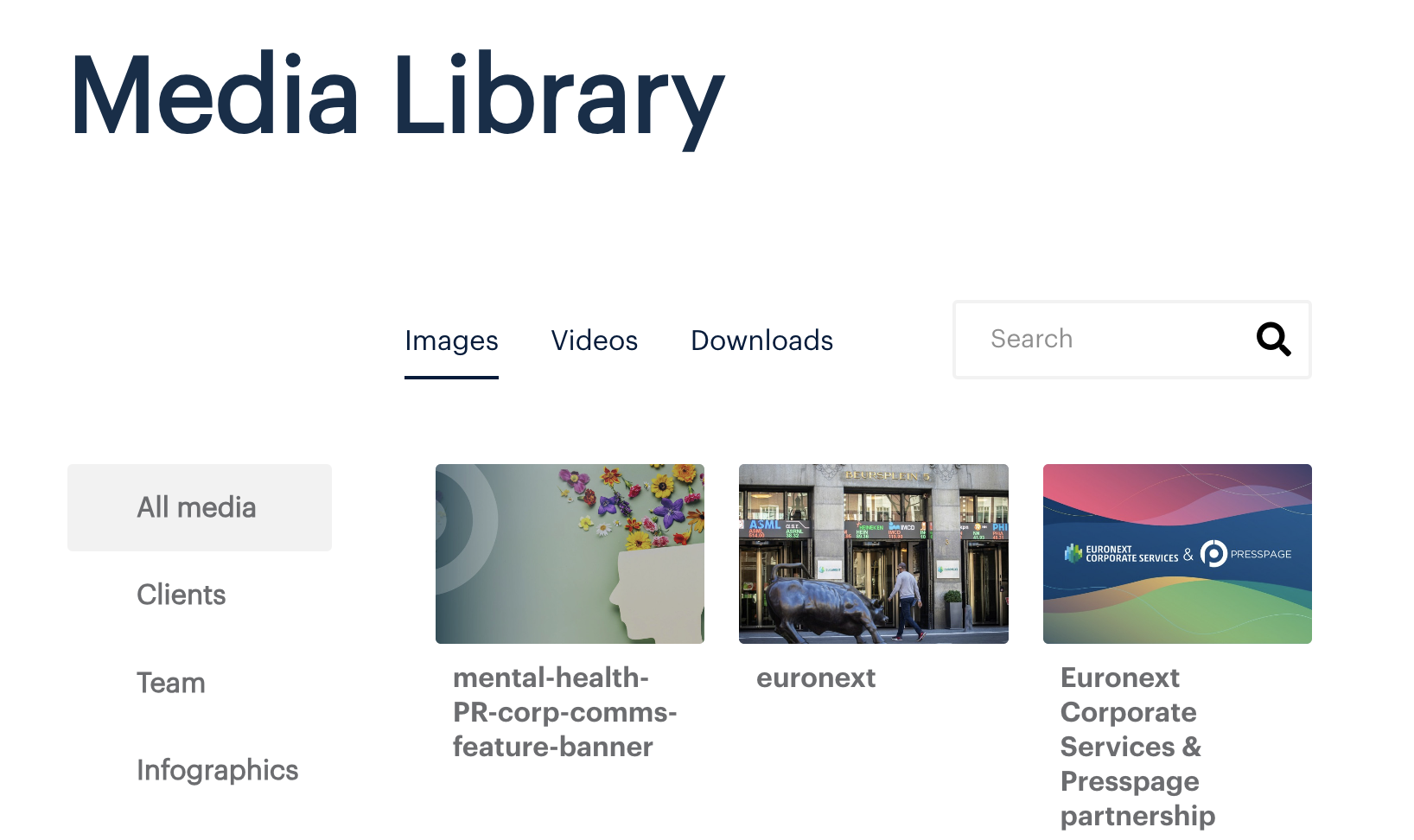
Downloading assets from the Media Library sounds straightforward, until the list gets long. Previously, the top filter bar and sidebar on the Media Library were only visible at the top of the page. Once visitors scrolled down to browse or load more content, they had to scroll all the way back up just to confirm their selection or hit download. On mobile, this was particularly frustrating.
The filter bar and sidebar on the page now stay visible as visitors scroll. Select what you need and download it. No scrolling back. This update applies to Newsrooms running on Presspage's modern design foundation. If you're are interested in having the sticky navigation enabled on the Media Library, reach out to support@presspage.com.
Structured data added to improve article indexing and GEO visibility
Getting a press release or news article published is only part of the job. Whether it gets picked up by search engines, or understood correctly by AI tools that summarise and surface news, depends partly on how well the page is structured beneath the surface.
We've made further improvements to the structured data based on schema.org to all news articles. This gives search engines and AI agents richer context about each article: the account and what language it's in, whether it's freely accessible, what topics it covers, and which organisation published it. Authors and publishers can now also have a canonical domain set at the Newsroom level, which strengthens how they're identified across the web. In practice, this means Presspage articles are better positioned to appear in AI-generated summaries, news carousels, and search results. No extra work required from your team.
What's coming next: Presspage's strategic direction

The updates above are part of the day-to-day work, but there's a bigger picture taking shape. Presspage's product and development team has been working on a longer-term direction for the platform, with a focus on how corporate storytelling is evolving in the age of AI.
For a first look at where Presspage is heading, watch the video: Presspage Strategic Direction: The Future of Corporate Storytelling with AI. We'll be sharing more detail on what this means for the Manager and for your newsroom in the coming weeks.