
Product updates: Protecting sensitive content and GEO
Q4 2025 was all about sharpening the edges of everyday work in Presspage. We focused on the moments where teams need clarity, confidence, and control, whether that means handling sensitive information, responding quickly to media, or keeping complex publishing setups easy to manage.
These updates are not flashy for the sake of it. They are practical improvements shaped by real workflows and real pressure points. Below is a tour of what we released in Q4 and why it makes a difference.
All updates:
- Preventing sensitive content from going live too soon
- Prepared statements
- Clearer multipublishing for Pages
- Delete shared contact across all accounts
- Default archive title
- Personalized draft notifications
- Spam protection for inquiries
- Improved GEO accuracy and visibility
- Featured images for Wire content
- More flexible Search API filtering
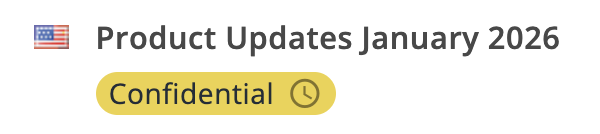
Timing matters. Publishing too early can be just as risky as publishing too late, especially for Investor Relations content, regulated disclosures, or major announcements. Confidential Pages give you firm control over the publishing process. You can lock a page and its assets until a specific date and time, making it impossible to publish before that moment arrives. Any media uploaded to a confidential page is handled the same way and kept out of the Media Library, so sensitive materials stay protected throughout drafting, review, and approval.
Prepared statements
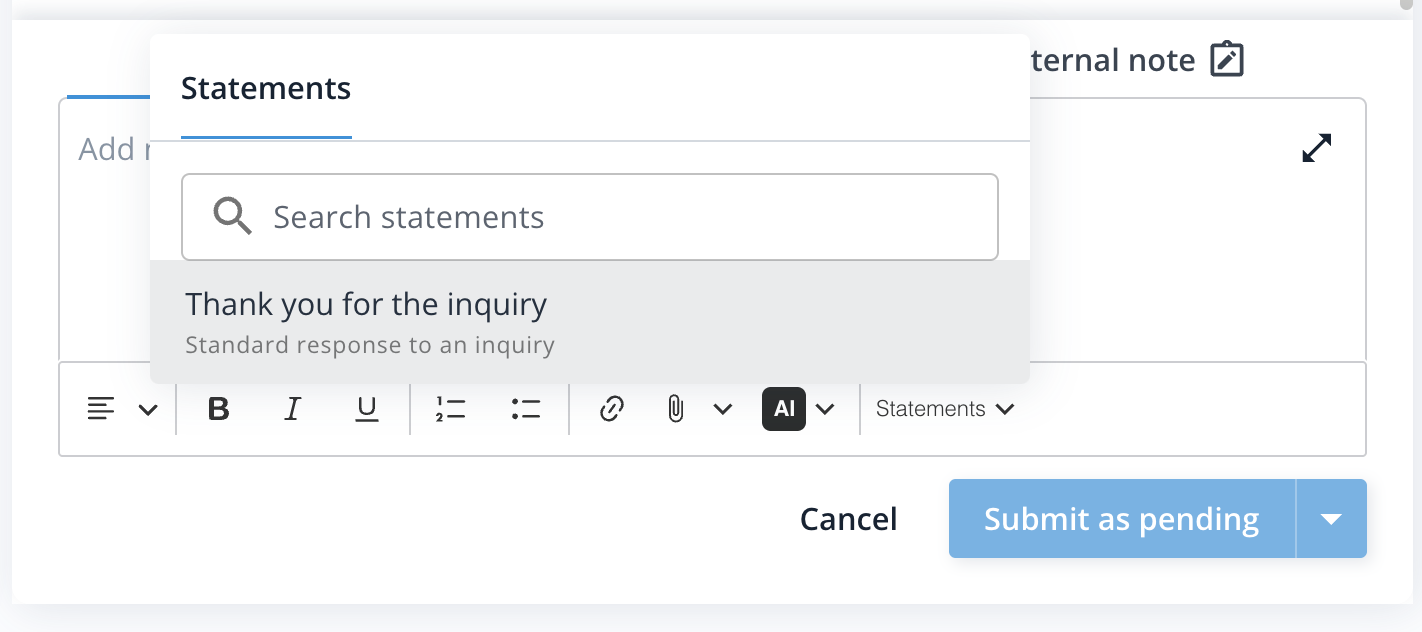
Responding consistently to media inquiries seems simple, but over time and across colleagues, small nuances drift, leading to serious inconsistencies in media communication. Prepared statements live inside Inquiries, where teams manage and respond to questions from journalists and other stakeholders. They allow you to store approved responses in a shared library and reuse them whenever the same topics resurface. Supporting images or files can be attached directly, keeping everything in one place. The result is faster replies, clearer messaging, and less repeated work when volume picks up.
Clearer multipublishing for Pages
Publishing Pages across multiple accounts can save a lot of time, these new updates made that process even smoother. Drafts can be pushed exclusively to other accounts. If the language setup between two accounts does not align, a fallback language can be set so the page is still pushed. On the Pages dashboard, a visible Multipublish label shows where a page came from or where it was sent. This improves clarity and helps teams stay confident about what lives where.
Reach out to Support if you would like these options enabled.

Delete shared contact across all accounts
For teams working with a shared central CRM, contact management just became simpler. You can now delete a contact across all connected accounts in one action. This helps keep data clean, consistent, and aligned everywhere it appears.
Default archive title
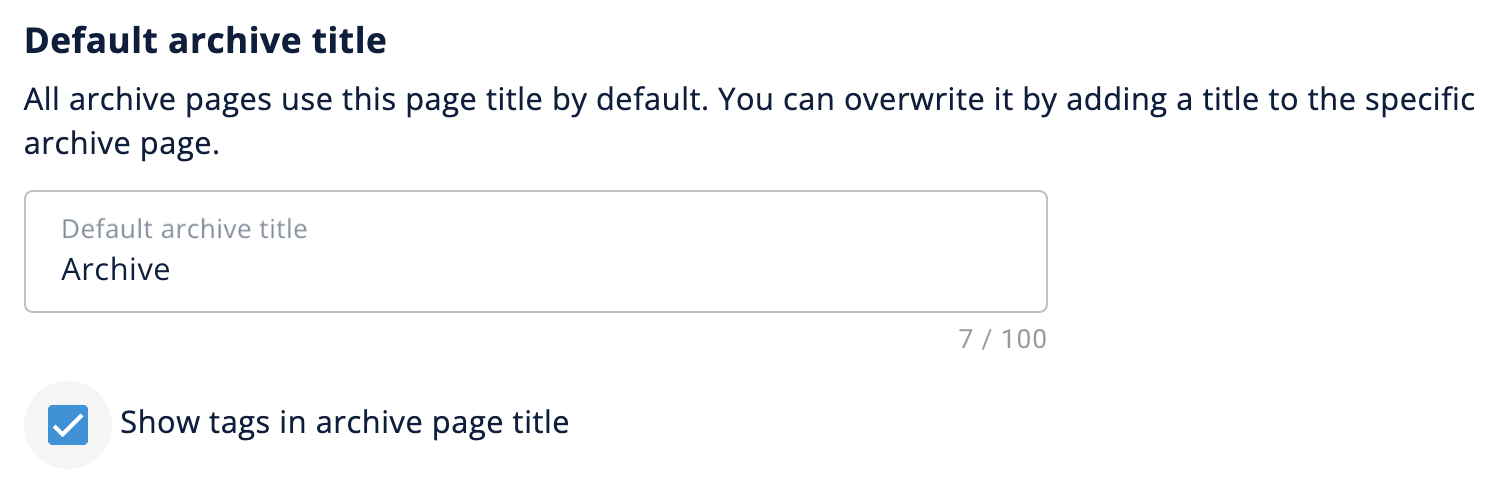
Archive pages quietly shape how visitors explore your content. With a default archive title, you can define a consistent title that applies across all archive pages unless a page already has its own. You can also choose to show tags in the archive title, giving visitors a clearer sense of the topics and content types they are browsing.
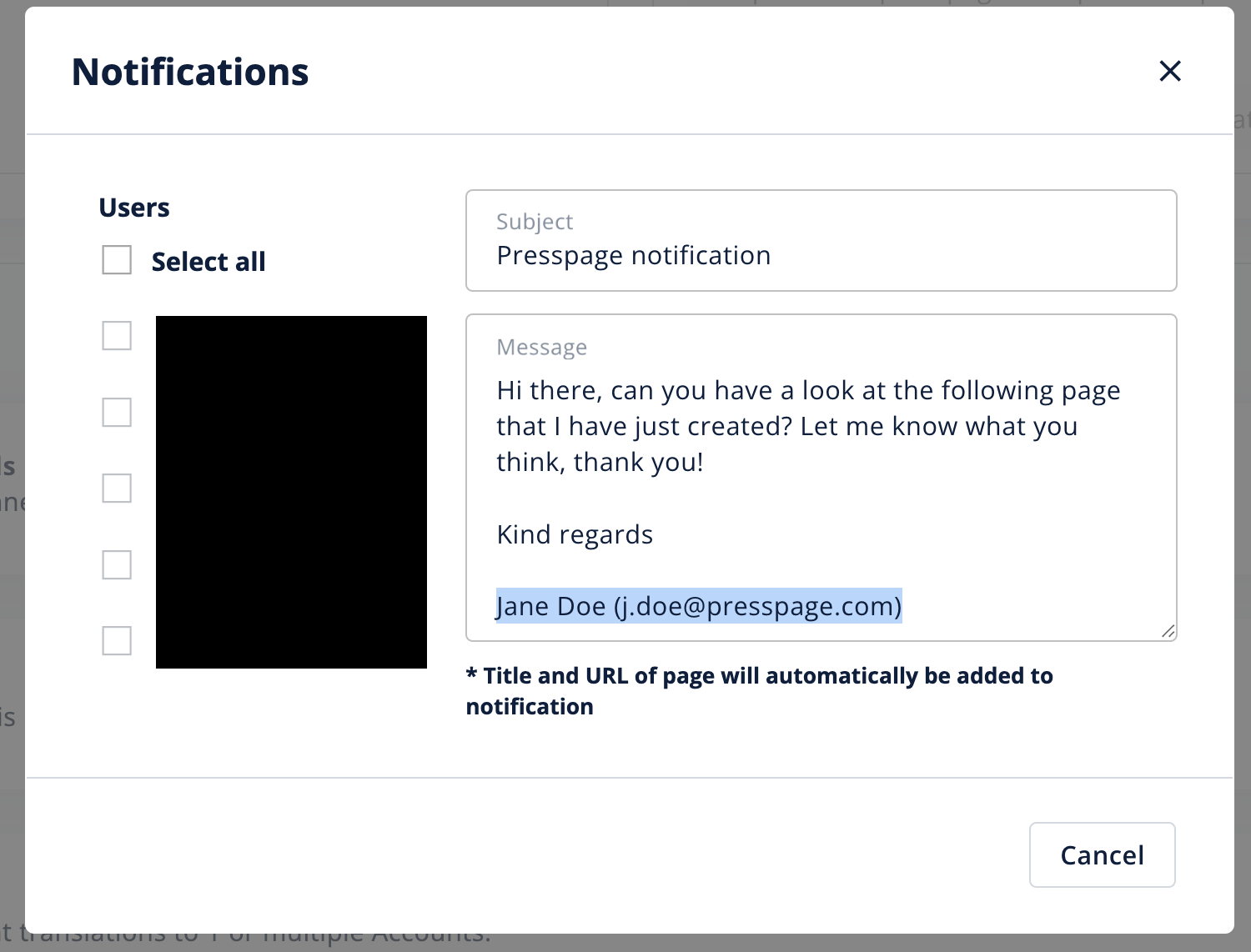
Collaboration works best when context is clear. Draft review notifications now automatically include the sender’s name, so reviewers immediately know who is asking and why. It is a small change that reduces friction and helps feedback move faster.
Improved GEO accuracy and visibility
Behind the scenes, we improved how Presspage structures metadata for search engines and generative engines. By aligning more closely with schema.org best practices, we help these systems better understand content ownership, authorship, and context. Improvements to canonical URLs and author information support clearer attribution, stronger visibility, and more reliable inclusion of your content in generative search (GEO) and AI driven discovery over time.
Featured images for Wire content
Articles imported from the Wire now automatically use the default featured image when one is available. This means content looks complete and visually consistent the moment it is published, without extra manual steps.
More flexible Search API filtering
For teams building integrations or custom views, the Search API now supports filtering results by date range. This makes it easier to retrieve exactly the content you need, whether you are creating timelines, reports, or automated feeds.
As always, these updates reflect how teams use Presspage in real life. We will keep refining the platform so it stays dependable, flexible, and ready to support the work you do every day.